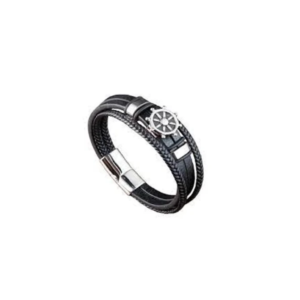
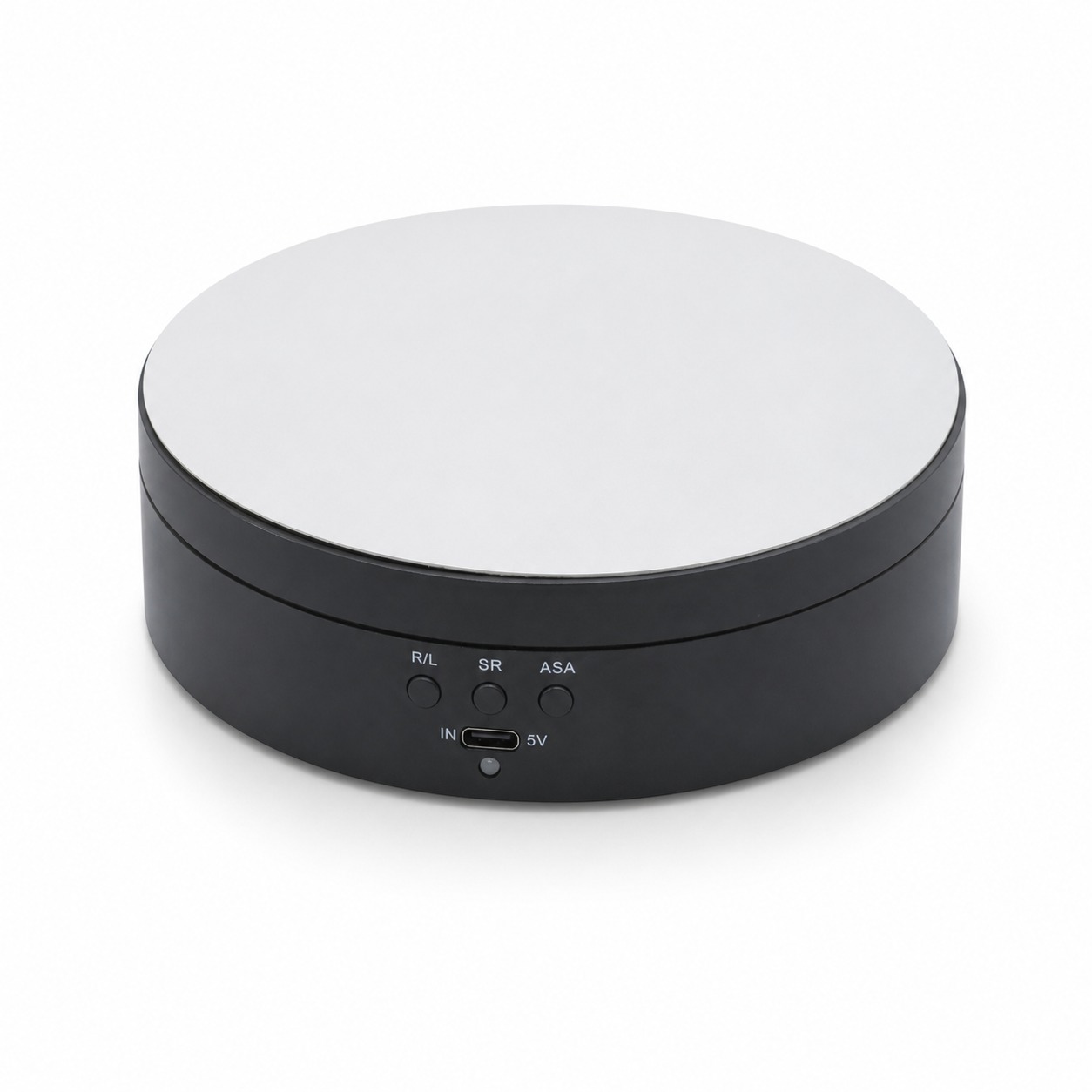
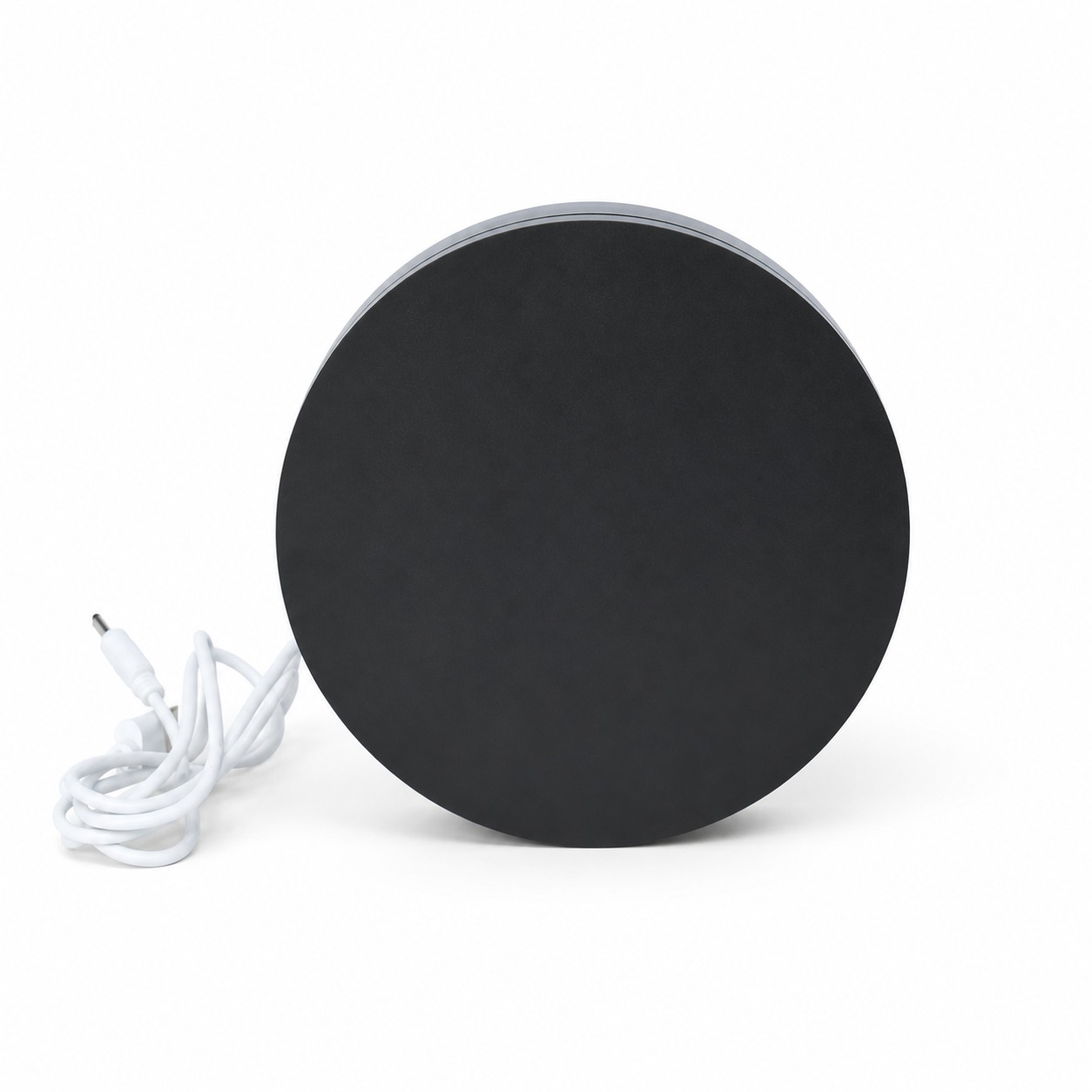
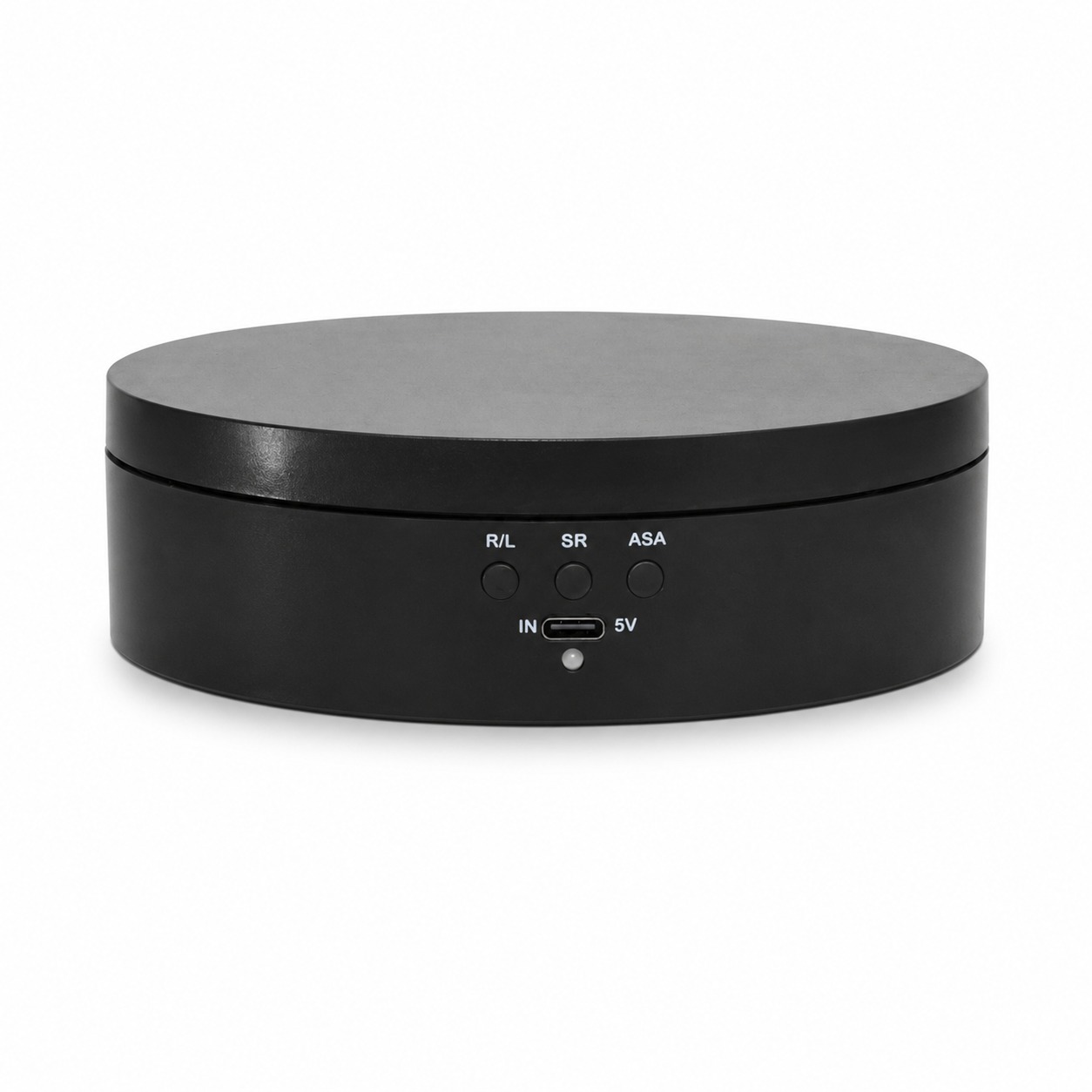
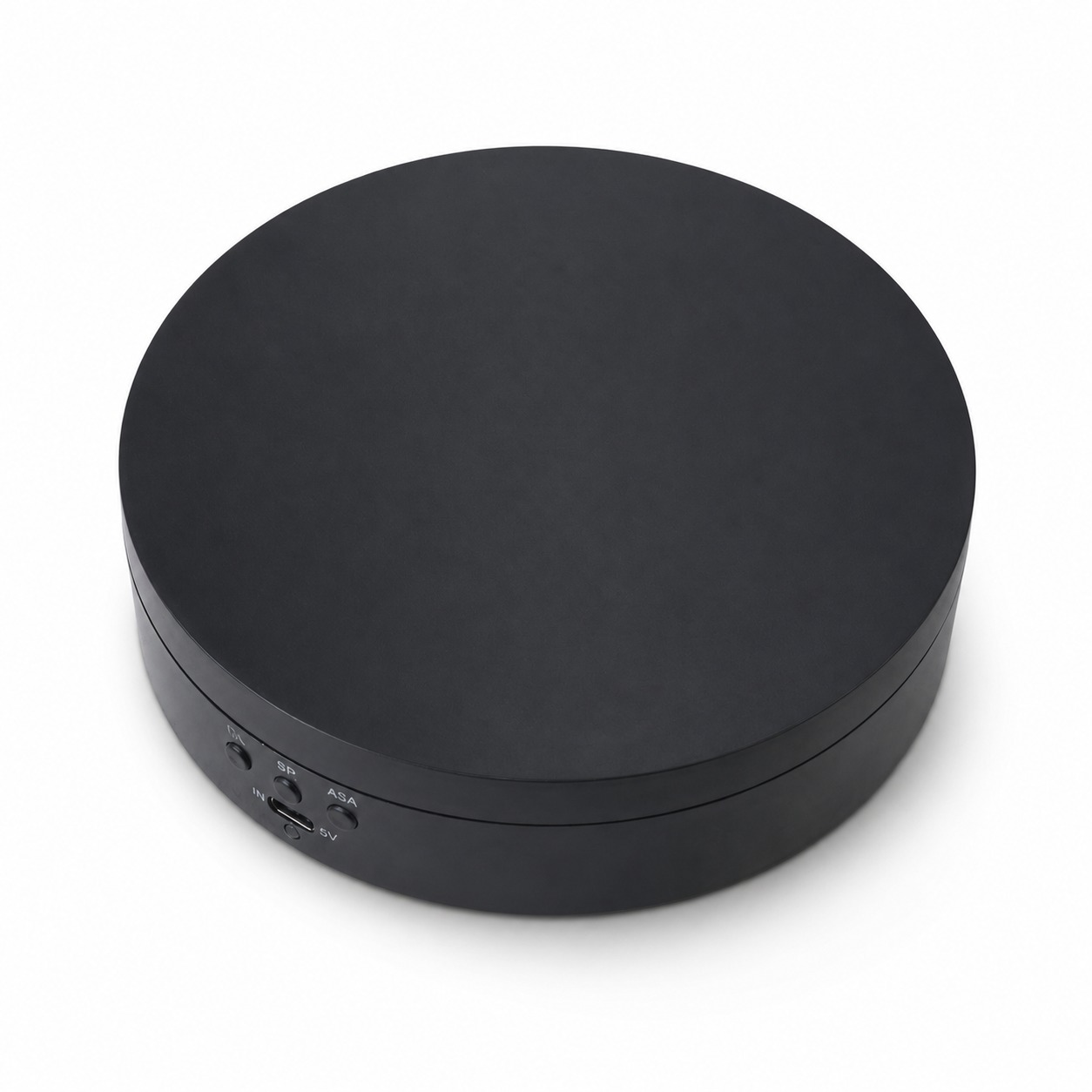
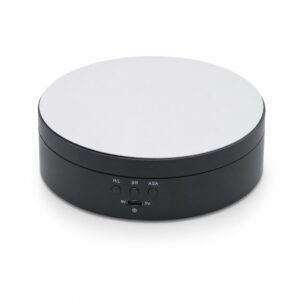
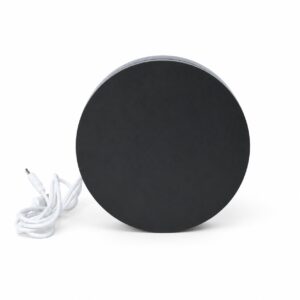
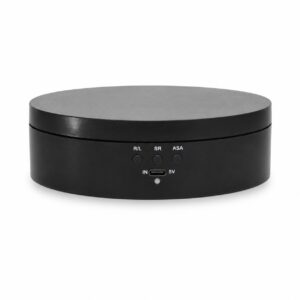
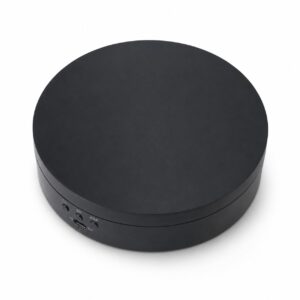
Elevate your visual presentation with our versatile Motorized Rotating Turntable. Designed for creators and retailers alike, this device provides a smooth, whisper-quiet rotation that highlights every detail of your jewelry, watches, electronics, or collectibles.
Its dual-power design allows for ultimate portability; use the included USB cable for stationary setups or insert a battery for wireless use at trade shows or outdoor shoots. The intuitive three-button interface gives you full control over rotation direction (clockwise/counter-clockwise), speed levels, and oscillating angles—making it an essential asset for 360-degree video production and high-end merchandising.
- Technical Specifications
| Feature | Details |
| Diameter | Approx. 13cm – 15cm (Standard Compact Size) |
| Material | High-quality ABS plastic with a mirrored glass top |
| Rotation Angle | 90°, 180°, and 360° (Oscillation & Continuous) |
| Speed Modes | 3-Speed selection (8 / 15 / 30 seconds per lap) |
| Load Capacity | Supports up to 3kg – 5kg (depending on battery/power mode) |
| Power Source | 5V USB Input or 18650 Rechargeable Battery (not included) |
| Interface | USB-C or Micro-USB charging port |
2. User Benefits
- Professional Visuals: Create high-quality 360° videos and GIFs effortlessly.
- Space Efficient: Compact footprint fits easily inside photo lightboxes or small display cases.
- Dual Power Freedom: No need to be tethered to a wall outlet; take it anywhere for on-site shoots.
- Silent Operation: Low-noise motor ensures your video audio remains crisp and clean.
3. Quality Assurance
- Precision Motor: Engineered for a steady, jitter-free rotation even under load.
- Anti-Slip Base: Equipped with rubberized pads to prevent sliding during operation.
- Reflective Mirror Finish: Adds a premium, high-contrast look to your items without extra editing.
4. User Guide
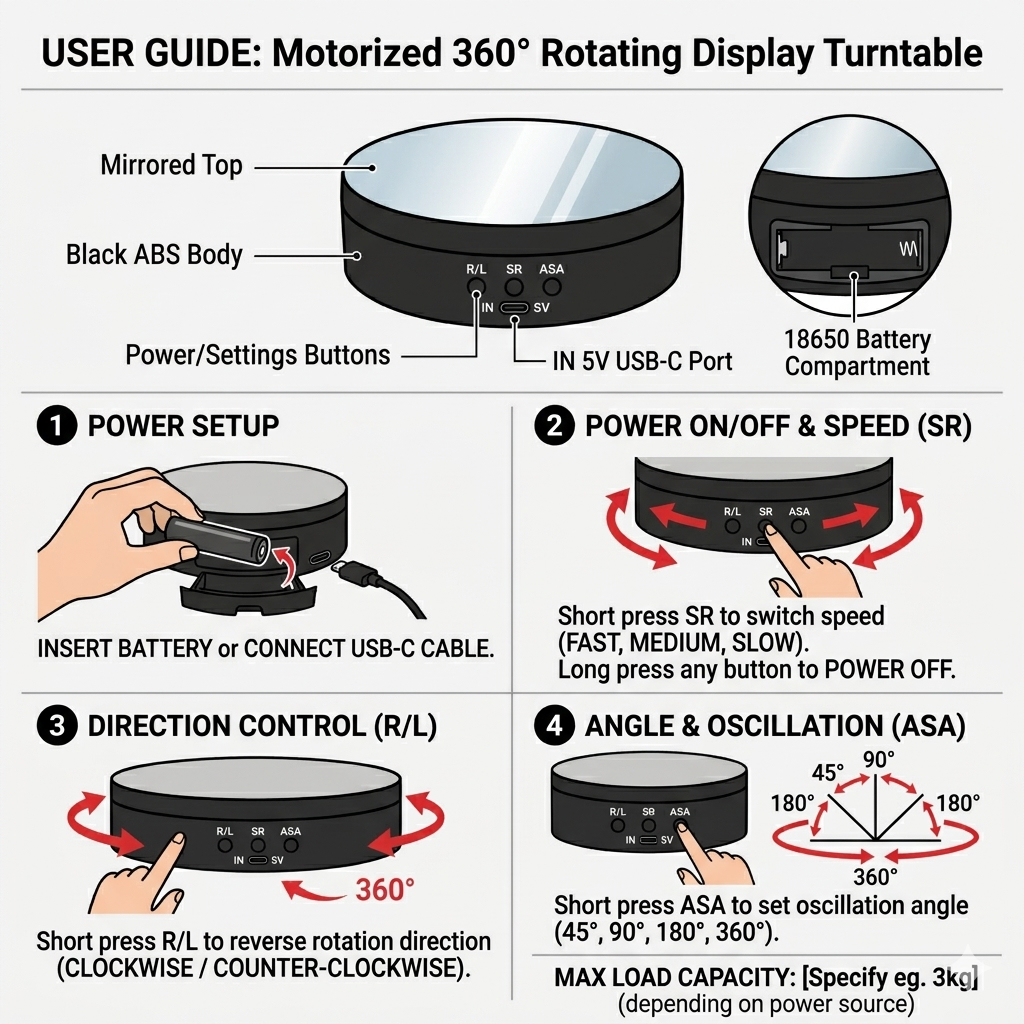
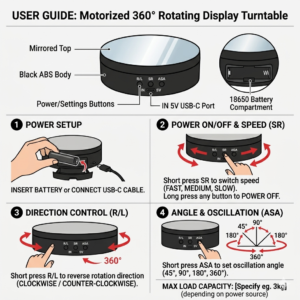
- Power On: Click any of the three buttons to start the device.
- Adjust Direction (R/L): Press the R/L button to toggle between clockwise and counter-clockwise rotation.
- Adjust Speed (SR): Press the SR button to cycle through the available speed settings.
- Adjust Angle (ASA): Press the ASA button to set the rotation to a specific angle (e.g., oscillating back and forth at 90° or 180°).
- Power Off: Long-press any button for 3 seconds to shut down the device.
- Charging: Connect to a 5V USB source via the “IN 5V” port. A light indicator will usually show the charging status.


Reviews
There are no reviews yet.